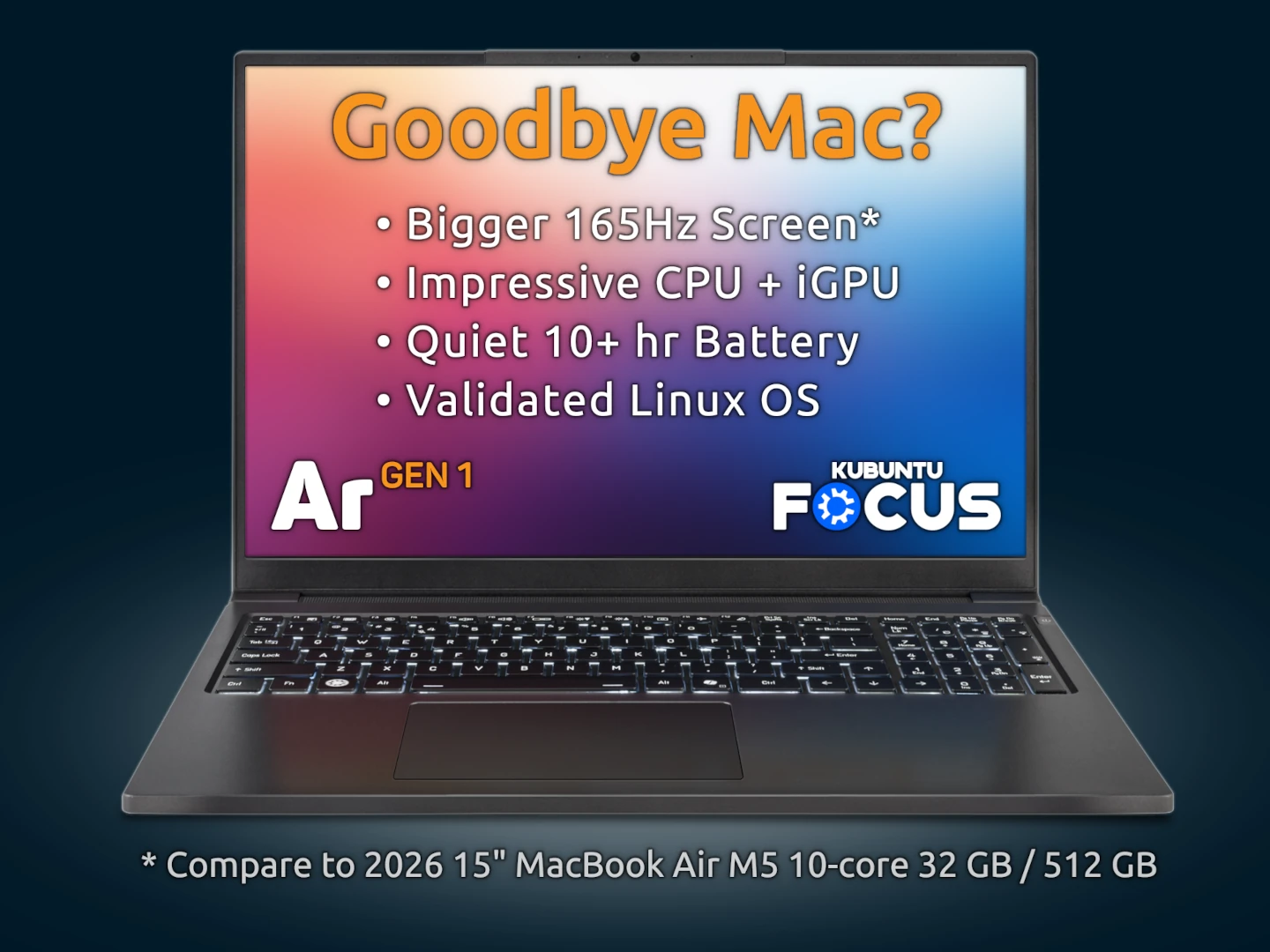
The Ar GEN 1 provides a compelling balance of performance, features, value, and reliability. It features a sturdy and lightweight metal chassis, with resin keys and screen bezel providing a light feel. Other highlights of the Ar GEN 1 include Audio & Visual, Keyboard & Touchpad, and Focus Tools.
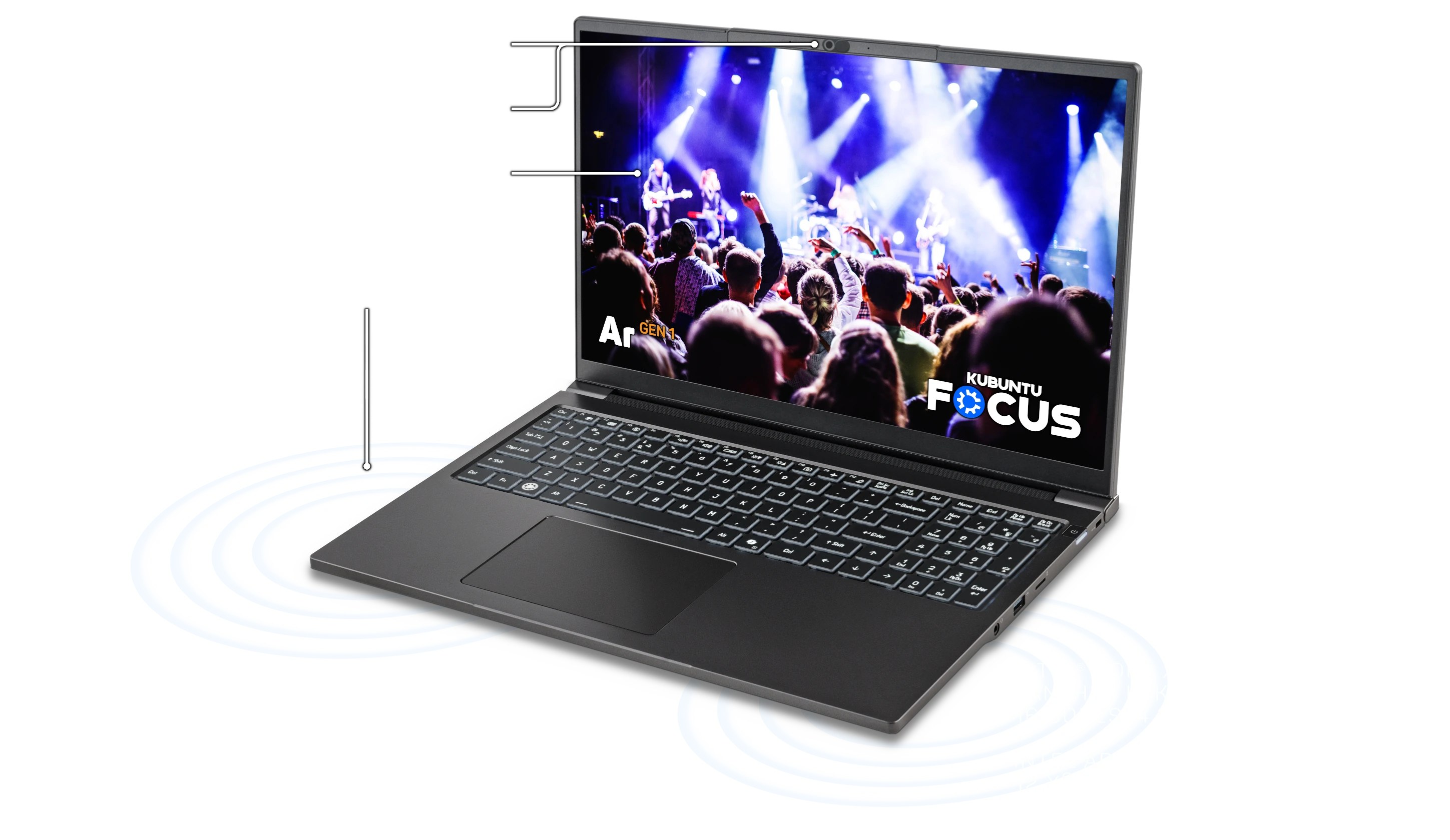
See more of your documents, games, web pages, and apps with a tall 16:10 display. Adaptive sync sets the screen to 60Hz by default, but automatically adjusts the refresh rate up to 165Hz based on tasks performed. This creates a smooth and tear-free experience. The screen can lay flat, with a 180° opening angle.
Join web meetings with no setup using the crisp, 2.0 megapixel 1920x1080 webcam, the integrated noise-canceling microphone array, and the crisp and loud high-dynamic-range stereo speakers. Protect your privacy with the physical privacy webcam cover.
The Focus Hardware System optimizes the multimedia hardware by setting kernel parameters and other configurations for the iGPU, sound, and other features.
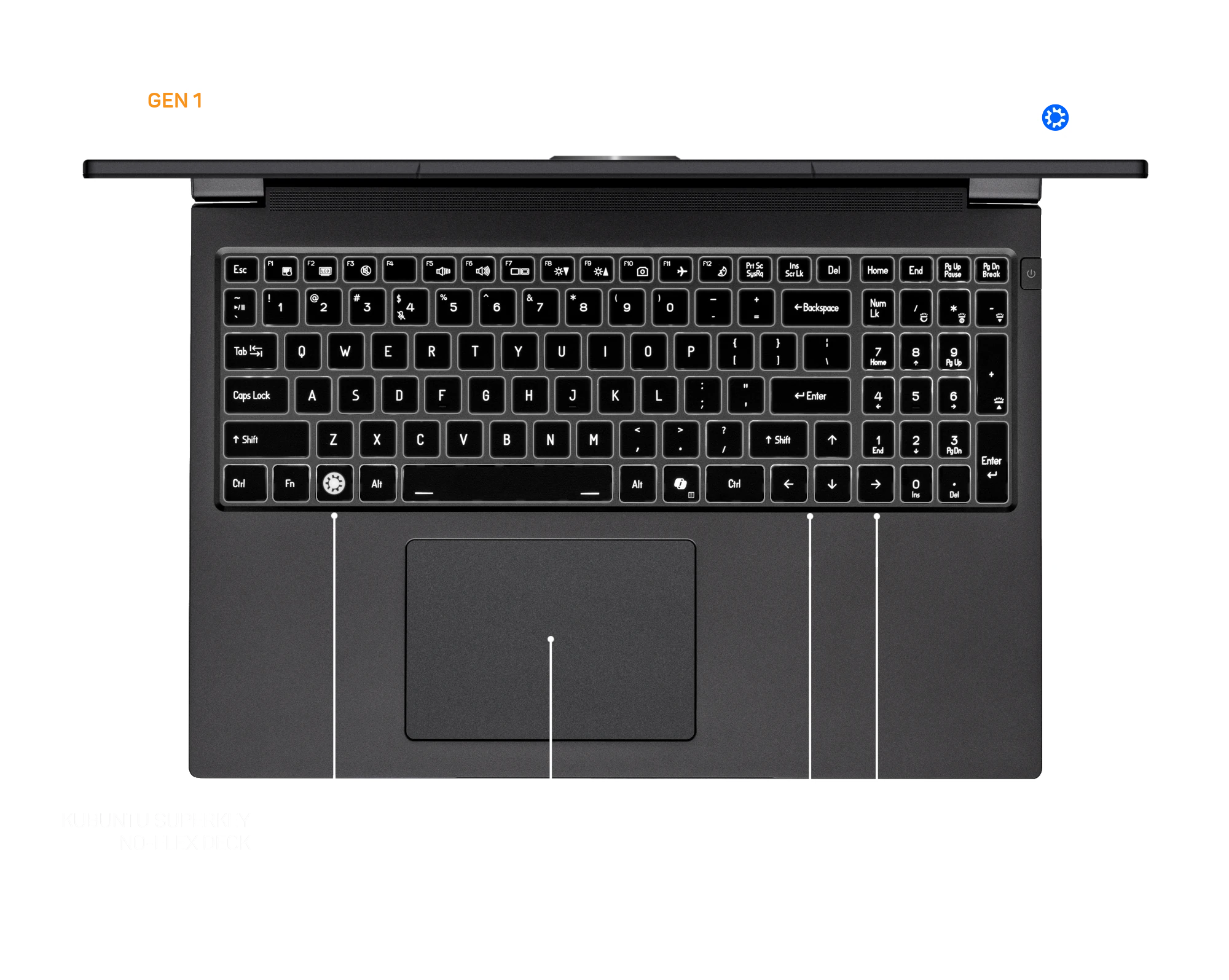
Control your computer with precision. Type quickly and accurately on the no-flex full keyboard with numpad and 1.4 mm of travel. Use two- and three-finger gestures on the touchpad to tap and scroll effortlessly through documents. Illuminate the keyboard to six levels with the touch of a button.
The Focus Hardware System automatically configures settings for the keyboard and touchpad of each model. It adjusts the Hints Widget to provide guidance specifically for the model keyboard, and it configures the touchpad for sensitivity and multitouch support.
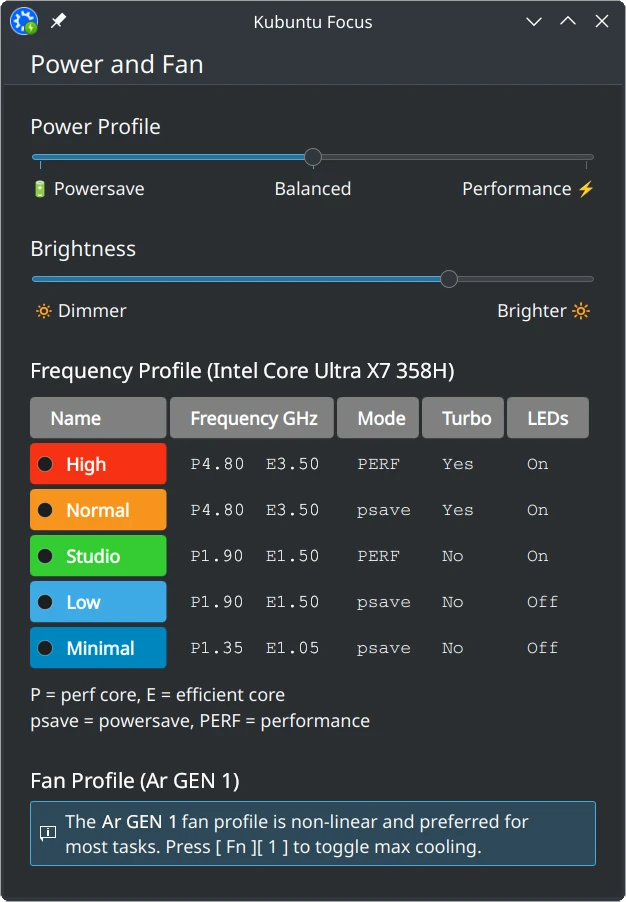
Make hard things easy with open-source Kubuntu Focus Tools. These are integrated with Kubuntu 26.04 LTS and are enhanced automatically with regular software updates.
Use System Rollback to take complete, cohesive snapshots of your system disk and restore them with a click. Open Power and Fan to control CPU power, brightness, frequency, and fan settings. Unplug the power to see settings adjust in real time to maximize battery life.
Get started fast with the comprehensive Welcome Wizard. Explore capabilities from the Feature Guide. Configure, install, and launch Curated Apps with a single click. Complete complex workflows in record time with Guided Solutions. Get enhancements automatically with Regular Software Updates. See the full list of Focus Tools here.
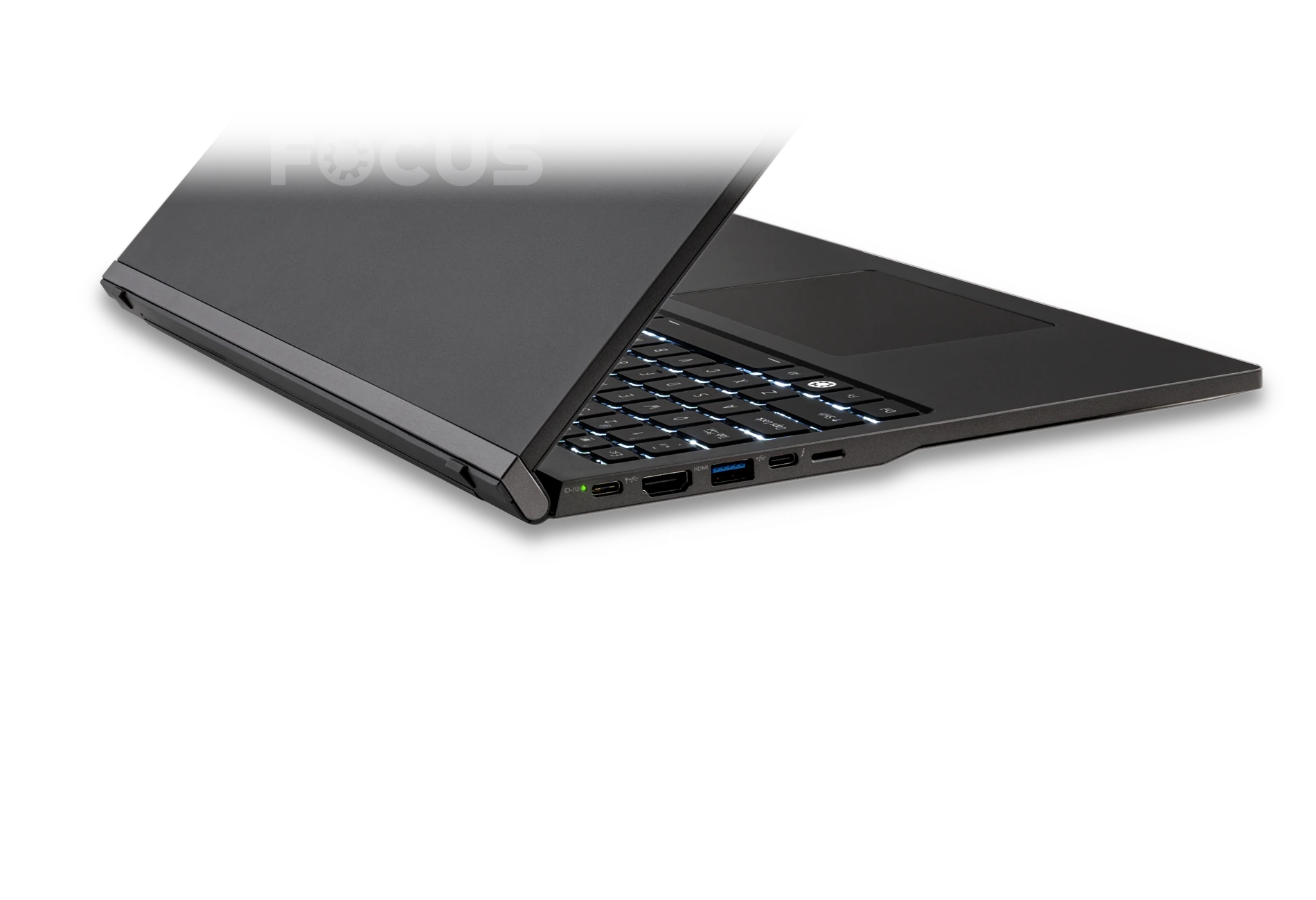
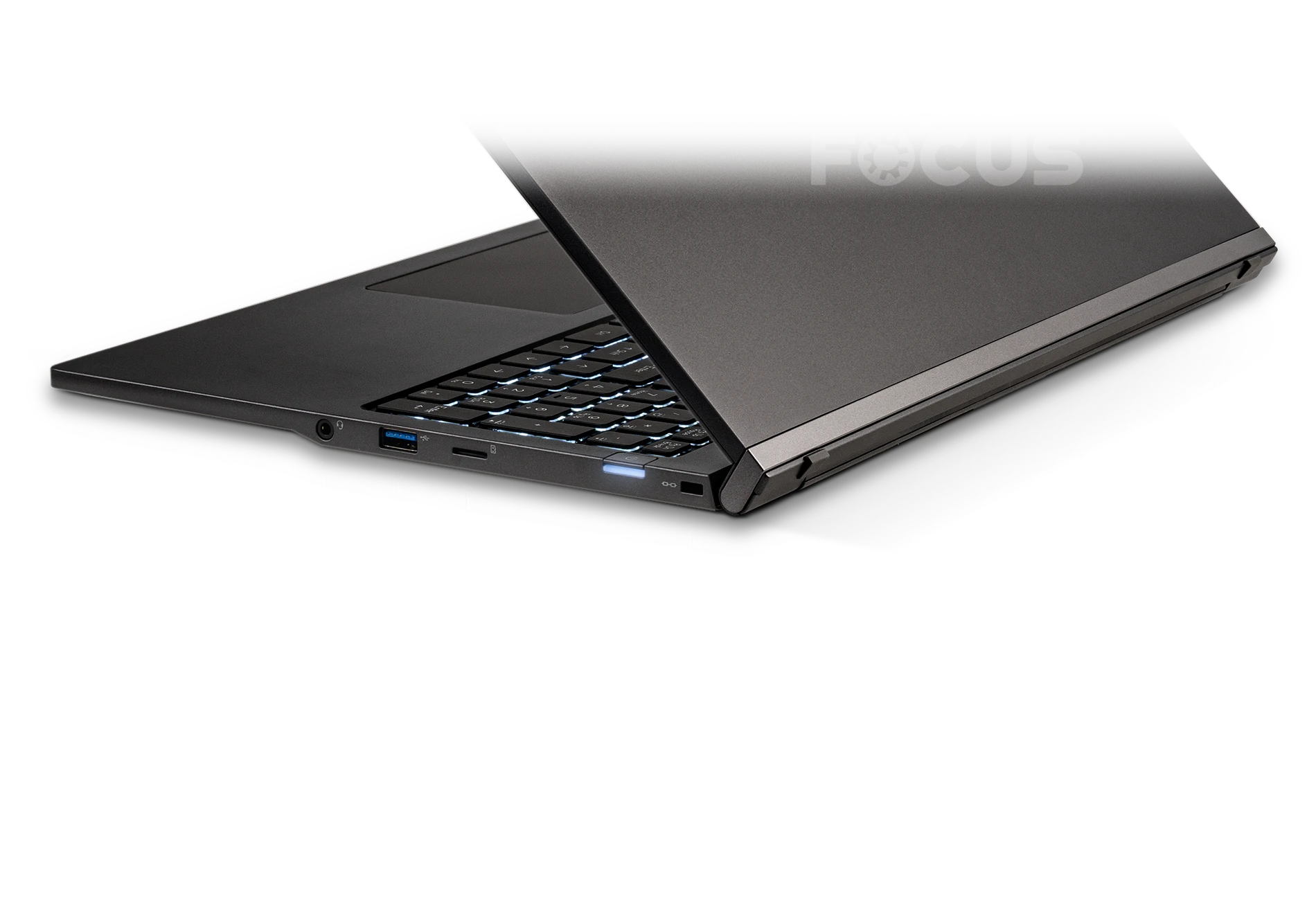
Connect multiple displays and peripherals at once without expensive dongles or docks with high-speed ports and proven wireless technology.
Join video calls immediately with the Full HD (1080p) webcam and noise-canceling microphone array. Flip the security cover to prevent accidental webcam use. Connect two external 4K displays using USB-C and HDMI. Edit photos immediately with the MicroSD card reader. Even run ML and rendering tasks on an eGPU using Thunderbolt 4.
Enjoy high-speed Wi-Fi and Bluetooth. Connect to a WLAN or a hotspot in a local coffee shop. Send files or control the mouse with a phone and KDE Connect. Join voice calls using a Bluetooth 6.0 or wired headset. Power the system from a USB-C cable that attaches to an external monitor.
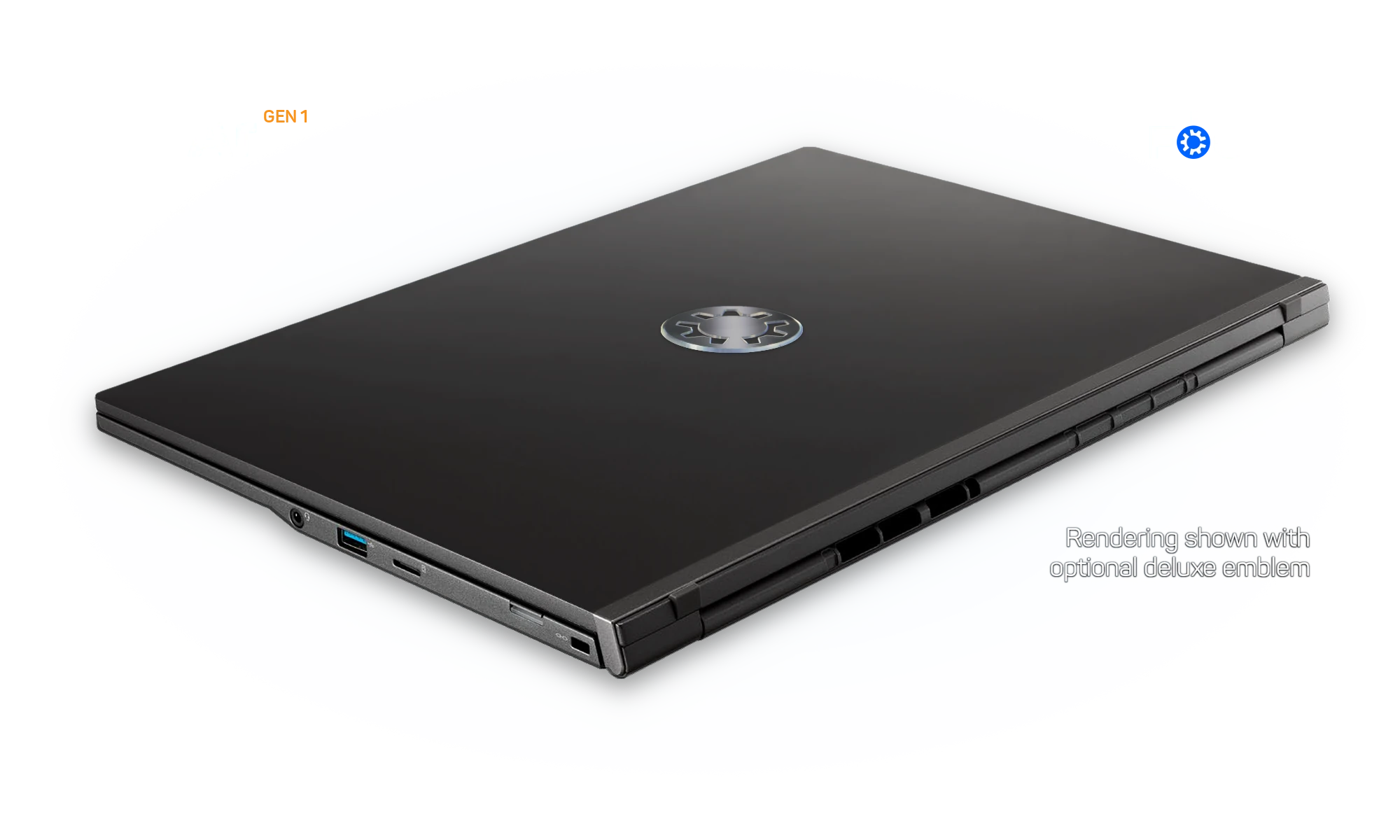
The Ar GEN 1 combines the best out-of-the-box validated Linux experience with exceptional performance and long battery life. Recommended for software development, DevOps, office tasks, and general computing. Advanced CPU efficiency, along with Focus Power Tools and fan controls help it run cooler and quieter across all workloads.
Make use of impressive, quiet performance and long battery life with the Panther Lake Ultra X7 358H processor. Get 4.8 GHz performance when you need it, but then conserve power at just 1.5 GHz at idle. In light-to-modest use, the system is nearly silent, and even when running GeekBench 6 multi-core benchmarks, the max fan volume is just 26 dB.[01]
Expedite data-intensive tasks with fast, dual-channel RAM and top-speed NVMe disks. Resume from sleep and launch apps in seconds.
Enjoy seamless desktop performance with Arc® B390 integrated graphics. Add two 4K monitors to expand the display area when at your desk and charge the laptop at the same time. Play mid-level games like CS:GO, Team Fortress 2, Left for Dead, Dota 2, and Minecraft at medium-to-high settings and respectable frame rates, even on battery.
If you require class-leading GPU capabilities for visualization, machine learning, video editing, or games, we recommend considering an Nvidia eGPU or systems like the Focus M2 or Focus Zr. However, if your needs are more modest, you should be very pleased with the performance and stability of the built-in graphics.
We benchmark Focus systems extensively to optimize for compatibility and performance. We hope you find the highlights below helpful when assessing the capabilities of the Ar GEN 1, and encourage you to compare the results with other devices.
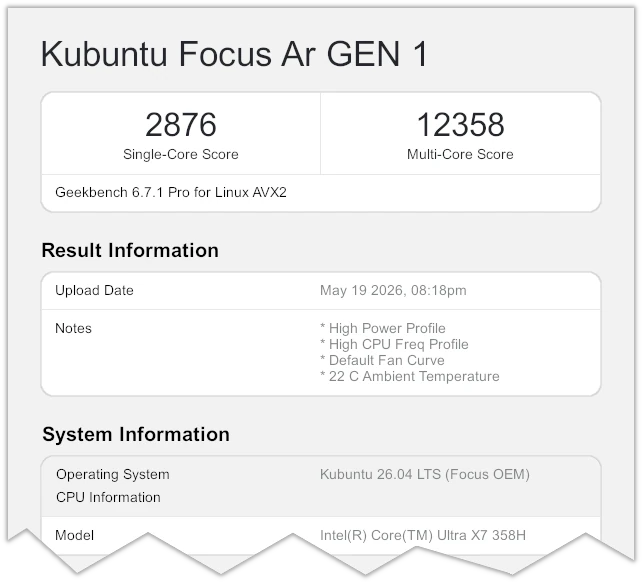
The Ultra X7 is a powerful and energy-efficient laptop CPU, with strong single- and multi-core scores. Apps load quickly, and sleep-resume is nearly instantaneous.
Highly threaded tasks scale well thanks to a generous 18 MB Smart Cache. If you need greater performance, you might consider a mobile workstation like the Focus Zr or the Focus M2.
| Geekbench 6 | |||
|---|---|---|---|
| Model | Processor | Single-Core | Multi-Core |
| Ar GEN 1 | Ultra X7 358H | 2,876 | 12,358 |
| 14" XE GEN 3 | Ultra 7 255H | 2,973 | 13,702 |
| 16" XE GEN 3 | Ultra 7 255H | 2,993 | 14,122 |
| Ir14 GEN 1 | i5-12450H | 2,319 | 8,544 |
| M2 GEN 6 Workstation | Ultra 9 275HX | 3,214 | 19,524 |
Our benchmarking showed frame rates from 40 to 90 FPS at medium-to-high settings for mid-level games like CS:GO, Team Fortress 2, Left for Dead, Dota 2, and Minecraft. We ship only dual-channel RAM to ensure maximum iGPU performance.
| Benchmark | Ar GEN 1* | Xe GEN 3 | Ir16 GEN 2 | Ir14 GEN 1 | M2 GEN 6 RTX 5070 Ti |
|---|---|---|---|---|---|
| Unigine Superposition | 51/6,757 | 42/5,600 | 21/2,862 | 11/1,524 | 192/25,483 |
| Unigine Heaven | 75/1,918 | 65/1,625 | 37/943 | 22/559 | 343/8,652 |
All benchmarks were run on AC power. The Ar GEN 1 used the Kubuntu Focus Panther Lake GameMode app which boost FPS around 40%. Max fan volume during the benchmarks was 25 dB two feet from the screen center.
Unigine Superposition was run at Medium - 1080p. Unigine Heaven was run at Medium - 1080, Normal tessellation, 2x AA. All results show average FPS / Score.
We believe that the Ar GEN 1 delivers an excellent balance of OS integration, Linux-first support, performance, battery life, value, and reliability. Here are the technical details so you may decide if it is right for you. If you have questions, please call 844-536-2871 or write TellMeMore@kfocus.org.
| OS and SOFTWARE |
|
|---|---|
| DISPLAY |
|
| PROCESSOR | Intel Core Ultra X7 358H
|
| GRAPHICS | Intel Arc® B390 Graphics
|
| MEMORY | Built-in dual-channel LPDDR5X RAM
|
| STORAGE |
|
| CHASSIS |
|
| BATTERY |
|
| POWER SUPPLY |
|
| KEYBOARD |
|
| TOUCHPAD |
|
| NETWORK AND BLUETOOTH | Intel Wi-Fi 7 BE211, M.2 2230 Card
|
| WEBCAM |
|
| SOUND |
|
| PORTS |
|
| SLOTS AND EXPANSION |
|
| COOLING |
|
| SECURITY |
|
| WARRANTY | One- to Three-Year Limited Warranty with Unmatched Linux-First Support |
[01] Unless otherwise noted, benchmarks were run on AC power and the CPU set to high-performance mode with default fan curve. The maximum fan volume was 26 dB, measured two feet from the screen center.
HAVE QUESTIONS?Call 844-536-2871 or write
TellMeMore@kfocus.org | GET FOCUS MERCH